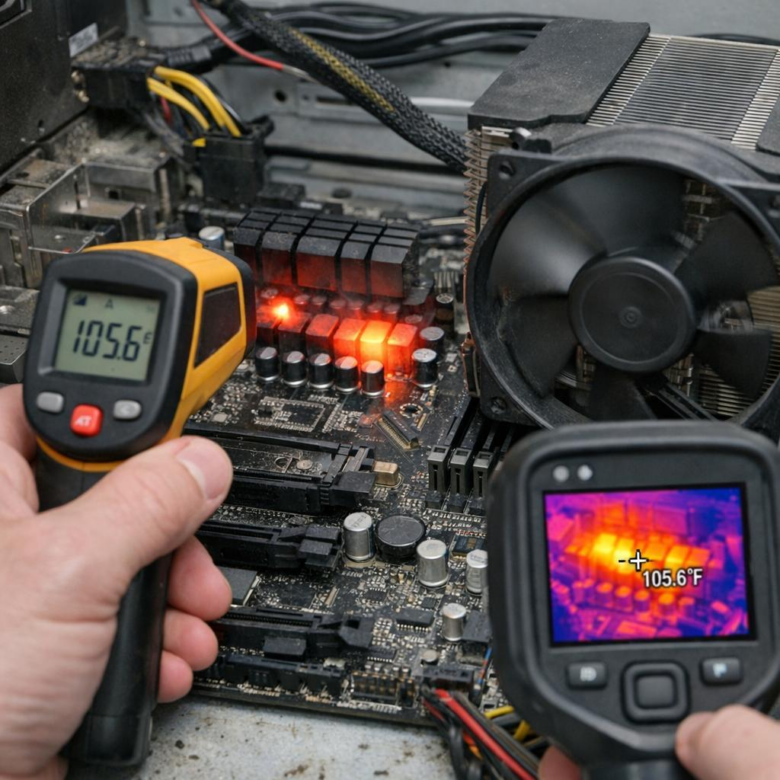
VRM overheating shows as clock drops, shutdowns, or instability under stress. Log MOSFET temps, inspect airflow, and confirm by retesting with direct fan cooling.
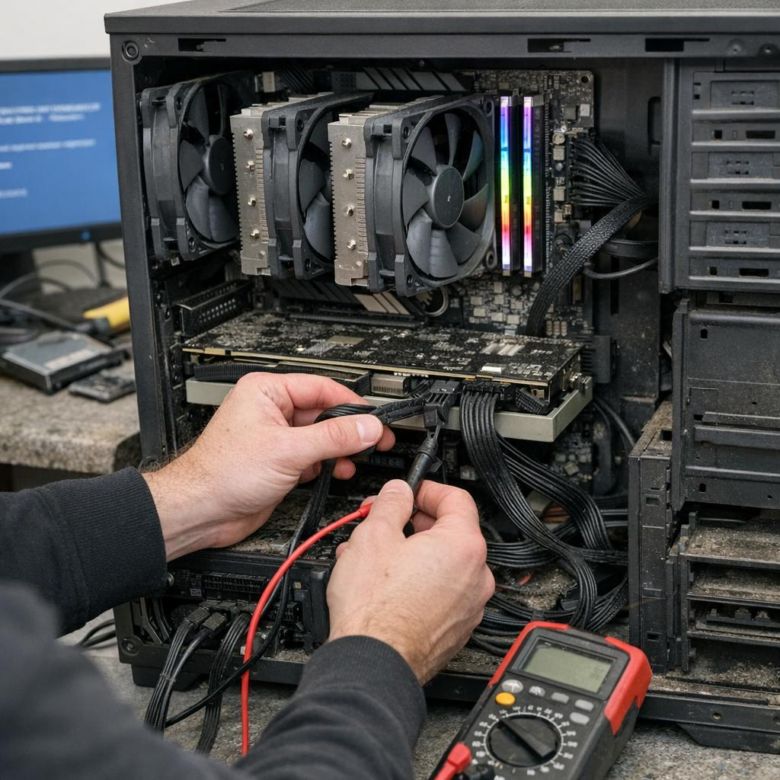
Kernel Power Event 41 in rendering PCs often points to unstable power delivery, thermals, or RAM/CPU/GPU overclocks. Start with PSU logs, stress tests, BIOS updates, and event correlation.
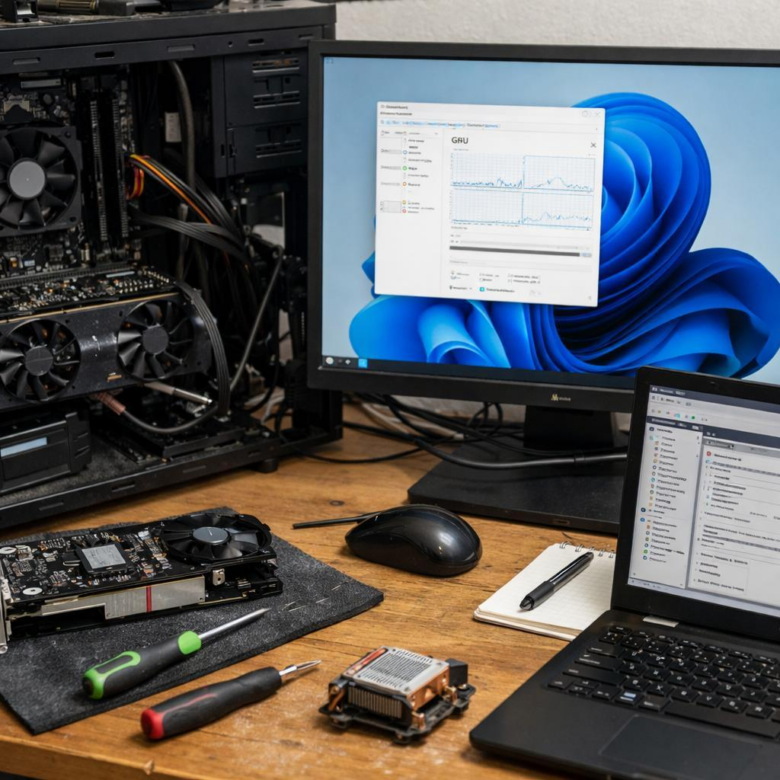
Fix Windows 11 GPU scheduling crashes: update graphics drivers, disable HAGS if instability persists, and verify BIOS, chipset, and overlay tools before retesting workloads.
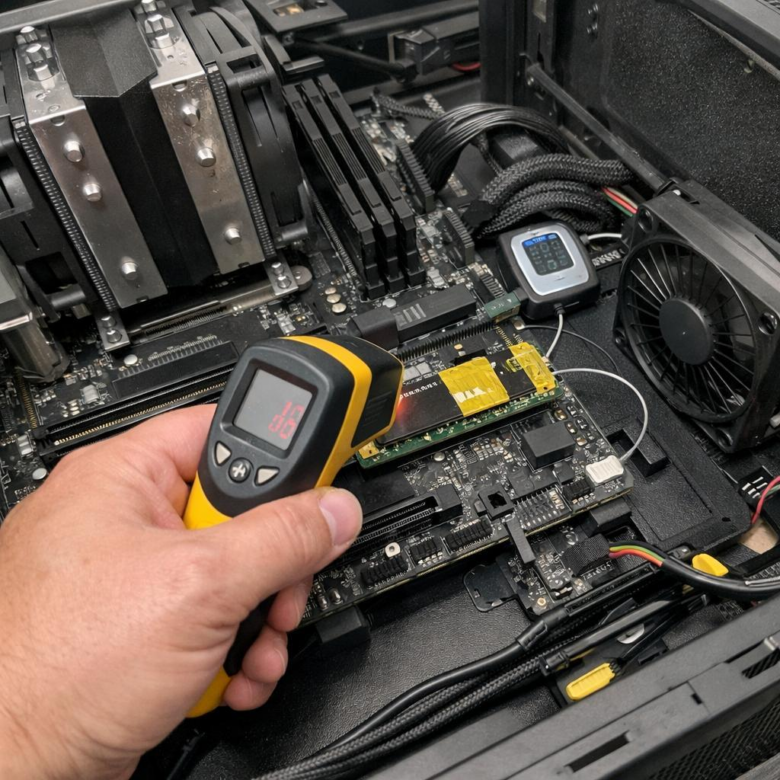
Check NVMe temps under sustained load, confirm throttling in SMART logs, improve heatsink contact and airflow, then retest writes to verify clocks stay stable.
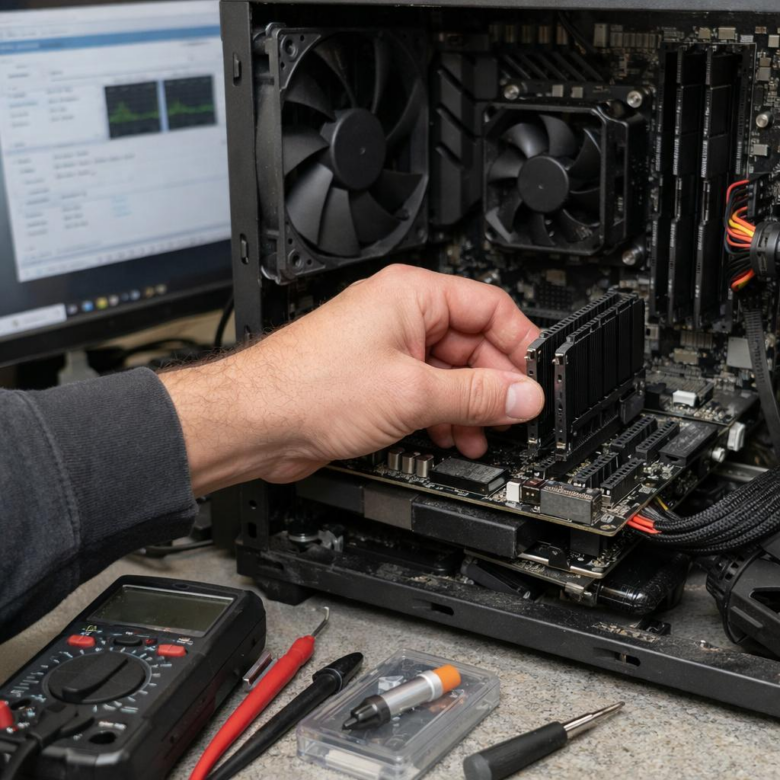
Random freezes after enabling XMP often point to marginal RAM stability. Test at stock speeds, update BIOS, then lower frequency or adjust DRAM voltage within spec.